
Searching Cases by Name
For a Navajo County case search by name, the usual first stop is the official Arizona Public Access Case Lookup. It costs nothing to use. You will hit a CAPTCHA first. Then pick a party-name search and type the legal spelling exactly. When the county filter appears, narrow results to Navajo County or the issuing court. That keeps you from wading through matches from all over Arizona. A middle name or business name helps when the surname is common. And do not trust the first match you see. Check the court, the case category, the filing date, the status, and the case number. Only then open the case history and call it yours.
- Pass the CAPTCHA on the official Public Access start screen.
- Select the party or name search method.
- Enter the last and first names, or the business name, with exact spelling first.
- Narrow to Navajo County or the known court, then compare each result carefully.
- Open the likely match and verify its court, number, type, status, and history.
| Field Label | Type | Required | Notes |
|---|---|---|---|
| CAPTCHA text | Text | Yes | Must be passed before search controls open |
| Search type | Option | Yes | Choose party/name or case number |
| Name or business | Text | Method based | Use legal spelling, then broaden if needed |
| Court or county | Dropdown | No | Narrow to Navajo County or the exact court |
Navajo County Search CAPTCHA
Do not treat the CAPTCHA as a throwaway screen. It sits in front of the portal. Because of that, a bookmark saved from a past session can break. The controls you see may also shift from one visit to the next. Enter through the official page each time rather than an old results URL. The portal pulls data from 177 of Arizona's 184 courts. That number covers reach, not depth. Some case types stay private, and local courts do not all send the same level of detail. The Arizona eAccess overview lays out the separate route for actual filed documents.
The point to carry away is simple. Looking up public case information and getting a filed document image are two different steps in a Navajo County docket search.
Note: Public Access says it refreshes weekly on Friday with information through Wednesday, so a very new filing may not yet appear.
Searching by Case Number
Got a full case number? That is usually the cleanest key for a Navajo County case search. Copy it straight from a notice, citation, minute entry, or any filed paper. Keep every letter, digit, and punctuation mark. Arizona category abbreviations are worth knowing. They are CR for criminal, CV for civil, FC for family, PB for probate, and JV or JU for juvenile. Treat them as clues only. Superior, Justice, and municipal courts each format their numbers differently. There is no single Navajo County pattern. Choose the court that actually issued the number before you search. If nothing comes back, strip away extra filters and double-check every character you typed. A probate number will never return a result here. Probate is excluded from Public Access, and a valid number from a nonparticipating or restricted matter may also come up empty. The right move then is to contact the clerk who holds the case. Do not guess at a new number format.
Navajo County Case Search Courts
Pick the right court before you touch any search box. Navajo County Superior Court keeps the heavy dockets: felonies, major civil matters, family, probate, mental-health, juvenile, and the limited appeals that come up from below. Smaller cases live elsewhere. Six Justice Courts handle lower-dollar civil suits, small claims, evictions, protective orders, traffic, DUI, and other misdemeanors. Municipal courts take city-code matters, mostly city traffic and misdemeanors. Plenty of failed searches trace back to one mistake. That mistake is asking the Superior Court clerk for a file that sits in a Justice Court.
| Court layer | Typical case scope | Record custodian |
|---|---|---|
| Navajo County Superior Court | Felony, major civil, family, probate, mental health, juvenile, appeals | Clerk of the Superior Court in Navajo County |
| Six Justice Courts | Traffic, DUI, misdemeanors, protective orders, small claims, civil up to $10,000 | Clerk of the issuing precinct court |
| Municipal courts | City-code, city traffic, and municipal misdemeanor matters | Clerk of the issuing city court |
When the issuing court is unclear, work from the case number and the heading on the paperwork. From there, the Navajo County Justice Court directory routes a limited case to the precinct that actually holds it.
What a Case Search Returns
Think of a case search result as an index plus a running history. For a Navajo County case, it can show which court has it. It also lists the assigned case number, the category, the filing date, party roles, current status, and the lineup of filings and settings since the start. Criminal results may carry public charge and disposition information. On the civil side, expect entries naming a complaint, an answer, a motion, a hearing, or a judgment. Later enforcement filings show up too. Read the docket from oldest to newest. Still, when you want present status, trust the latest court-issued entry over everything above it.
| Case number | The court-assigned identifier, copied exactly from the source record |
|---|---|
| Court and type | The custodian and category, which control the next search step |
| Parties and roles | Public caption information such as plaintiff, defendant, petitioner, or respondent |
| Case history | Chronological filings, minute entries, settings, orders, and outcomes where public |
| Status | Administrative posture such as active, pending, disposed, reopened, or appealed |
| Disposition | The recorded outcome, which must be read with the actual order when precision matters |
One caution: a filed motion is only a request, never the ruling itself. A minute entry shows what happened in court, and a signed order or judgment holds the terms that count. To pull fuller documents rather than a docket index, the Navajo County court records page sorts out the difference between the index and the case file.
Navajo County Case Search Images
Need a copy of an actual filing from a Navajo County case? Arizona runs a paid, account-based route for that. Through Arizona eAccess, eligible users can pull document images from Superior Court civil and criminal cases. Coverage starts with cases filed on or after July 1, 2010. Anything older sits outside the service. So do sealed or restricted files that the court has not released. A typical result gives you more than a case number. You may see a list of filed documents. Purchase and download options appear, along with electronic certification for the pages you buy. The eAccess information page walks through registration and the purchase process for Navajo County case records.
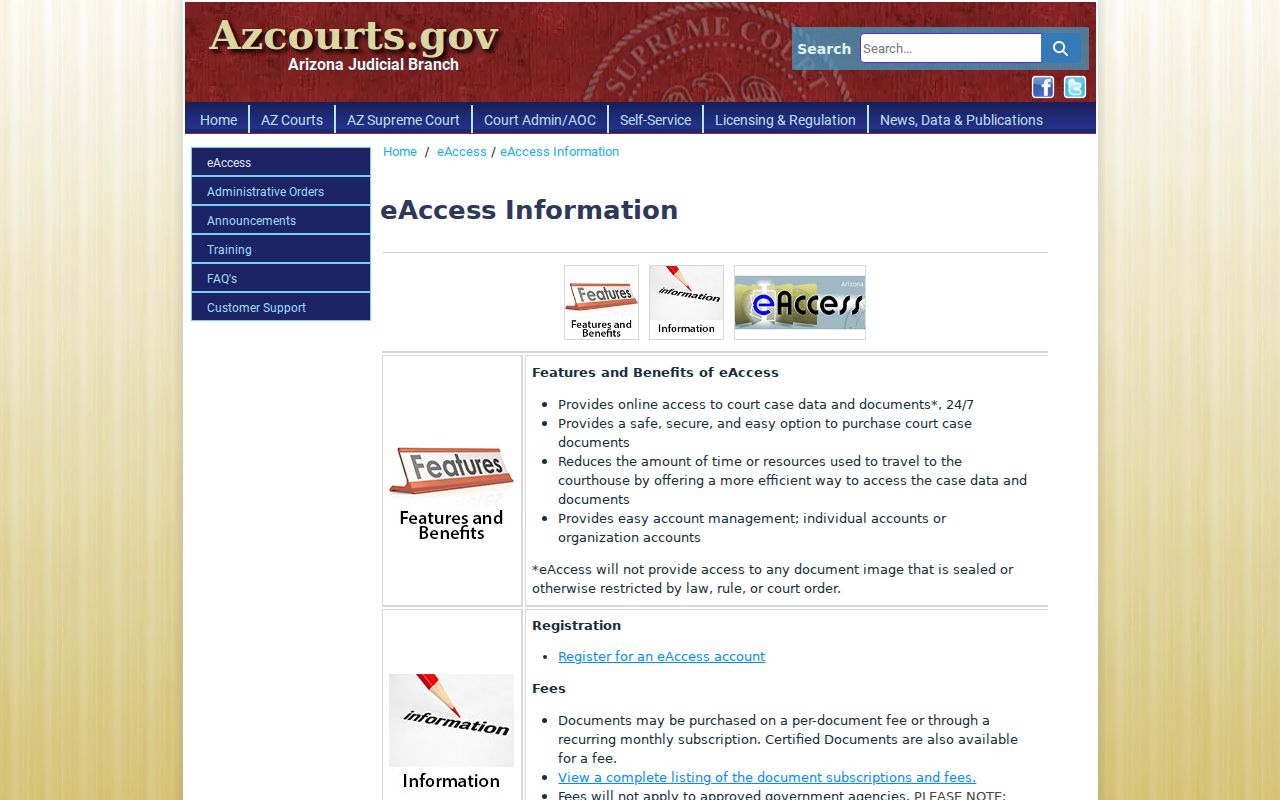
Round-the-clock online access has limits. The system does not mean every Navajo County filing has been digitized or released within 24 hours, so some case records still reach you only through the clerk. For questions about copies and certification, the official eAccess FAQs cover document access in detail.
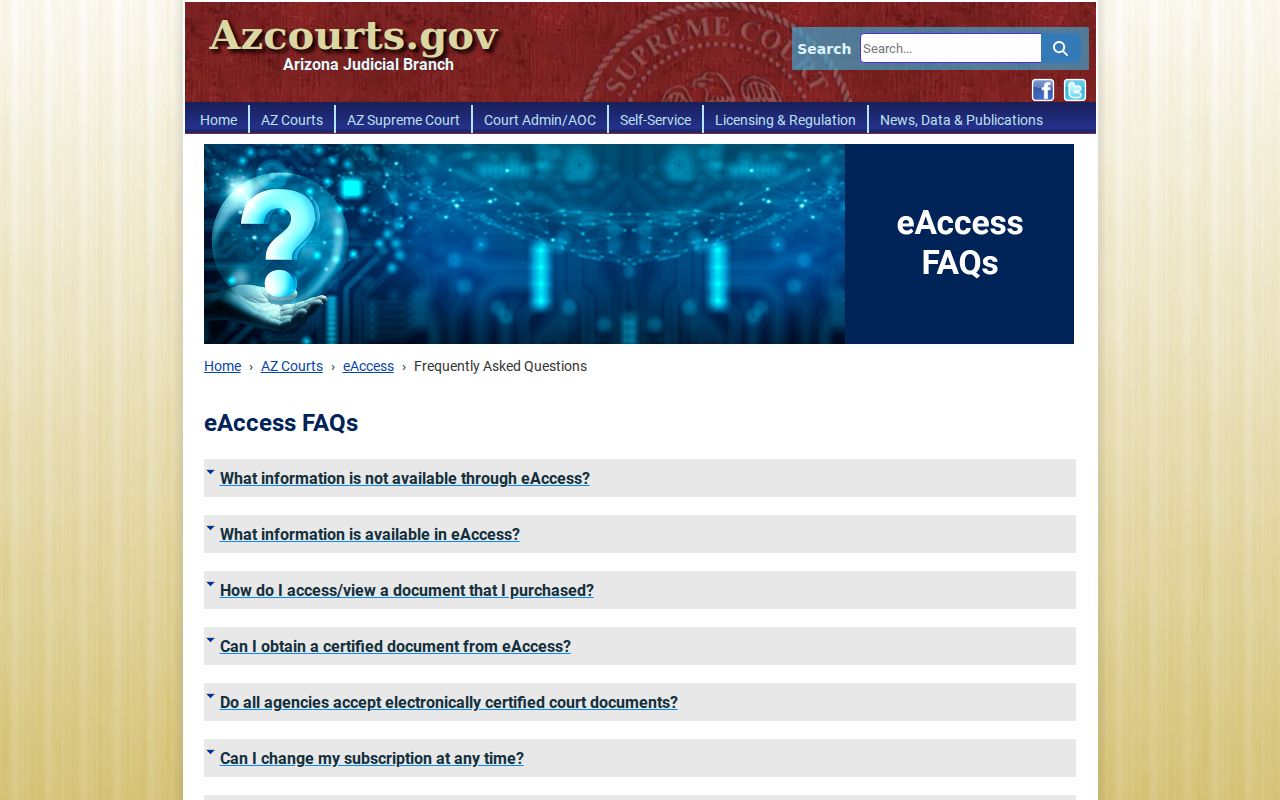
The FAQ page is worth a close look. It ties a docket search result to the practical limits you face when you need the actual filing, and it lays out the choices available for getting certified copies.
Statewide vs County Case Search
No single Navajo County portal gathers everything. The system is layered, and knowing the layers saves time. Public Access works as the broad Arizona search layer for case index information. The Navajo County calendar page is something else entirely: a set of division PDFs, not a name-search database. eAccess sells documents rather than serving as the full case index. Local clerks hold the official records themselves.
That layering explains a common pattern. One case can show up in a statewide search. It can sit on a county PDF for its hearing date, and still require a clerk request to obtain the file.
| Channel | Best use | Main limit |
|---|---|---|
| Arizona Public Access | Find participating-court case information by name or number | Express exclusions and weekly refresh |
| Navajo County calendars | Confirm an upcoming Superior Court division setting | PDF schedule, not a full case search |
| Arizona eAccess | Obtain eligible Superior Court civil or criminal images | Account, fees, date coverage, and restrictions |
| Local court clerk | Official file, older records, missing material, certification | Must contact the clerk that holds that court's case |
Navajo County Older Case Search
An empty online result is rarely the end of the trail in Navajo County. The Clerk still sells a $35 microfiche research option. That fee tells you something. Historical court records exist beyond what a web docket search can reach. For a Superior Court file, complete the official records form, listing the case number, names, relevant dates, and a precise description, then submit it by email, fax, mail, or at the Holbrook counter. Electronic filing adds a newer layer. The Arizona Judicial Branch e-filing information page lays out the statewide framework.
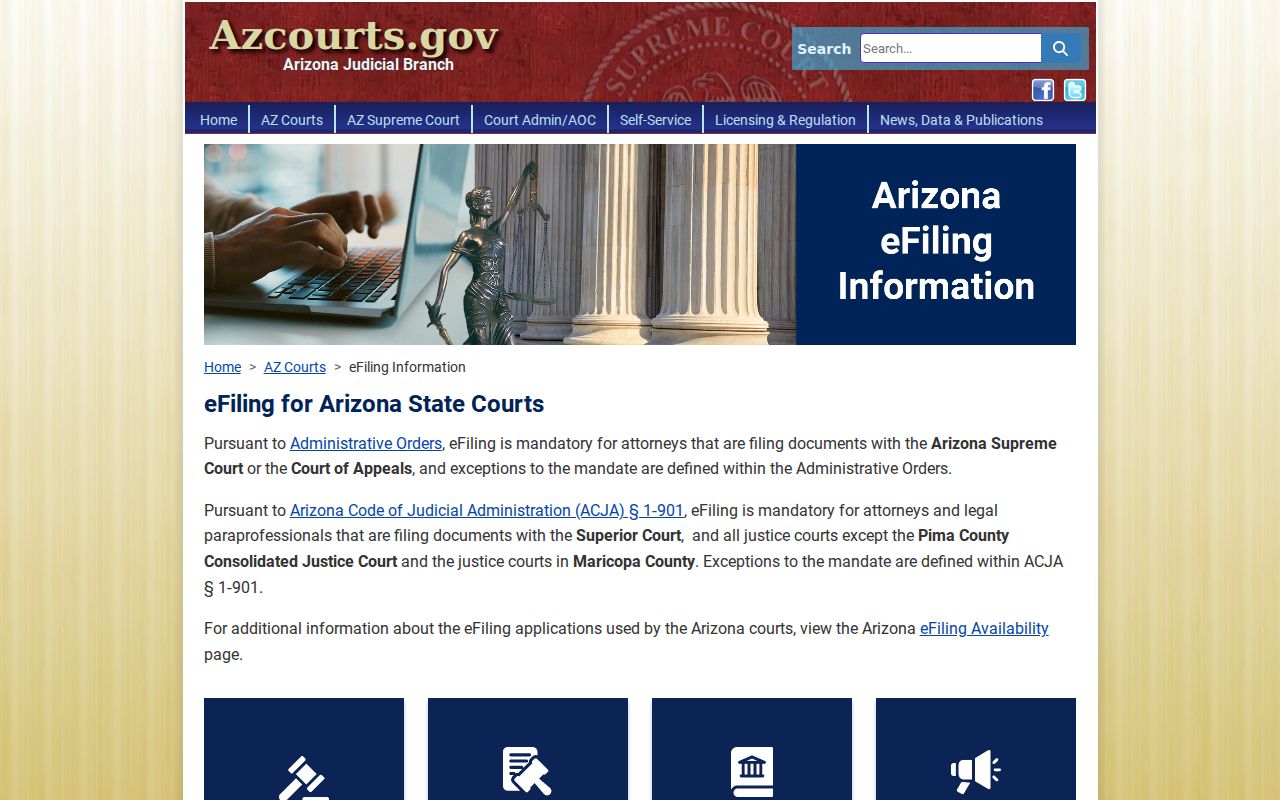
E-filing arrived alongside the older paper route, not in place of it. Under a Navajo County order, attorneys and legal paraprofessionals must file electronically, with exceptions, starting March 1, 2026.
Note: eAccess coverage beginning in 2010 does not mean all earlier records are unavailable; the Clerk may hold them outside the web service.
Access and Restricted Cases
Not every case shows up in public access. The portal excludes sealed cases and orders of protection. Mental-health and probate matters are excluded too, along with victim and witness information. Juvenile delinquency or incorrigibility information is also withheld. Charges under local ordinances are excluded too. Some juvenile matters, including certain traffic cases, can still appear. So a blank result does not mean the case does not exist.
Rule 123 from the Arizona Supreme Court sets the rules for access to judicial records. It weighs public access against confidentiality, privacy, and the court's own operations. Anyone with authorized access to a restricted record must contact the court that holds it. That person must then follow whichever rule, statute, or court order applies. Staff will not release protected content just because a caller supplies a case number.
Navajo County Search Fallbacks
A Navajo County case search that comes up empty usually has a fixable cause. Check the spelling and the full case number first. Then drop any extra filters. Confirm whether Superior, Justice, or municipal court holds the docket. Review the exclusion list. If none of that helps, contact the correct Navajo County clerk. Superior Court requests reach the Clerk at 928-524-4188. Email navajorecords@courts.az.gov, fax 928-524-4261, mail to P.O. Box 668, Holbrook, AZ 86025, or visit in person at 100 East Code Talkers Drive.
Best next step: A missing portal result is a routing problem until the correct court and exclusion status have been checked.
Justice Court and municipal records belong to the clerk of the court that issued them. The Show Low Superior Court location hosts proceedings. But the official county page says Clerk front-office help is available only in Holbrook. Call ahead about onsite electronic inspection before you drive out. The county does not say how many public terminals exist or what dataset they offer.